
Strange QTP Errors and Possible Solutions

Herein I have listed couple of error which I encountered while working with QTP. Some of these are very cryptic and you just can not guess about their Raison d'être.I have listed these errors
hoping it would help a new bird.


Error while opening Test
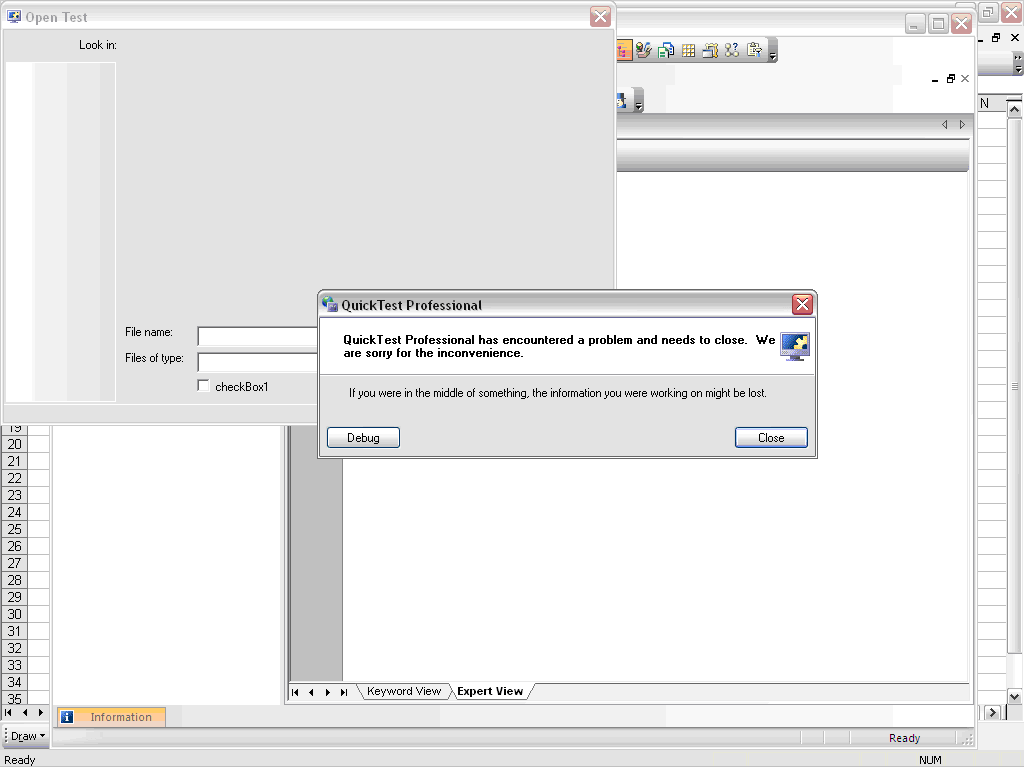


On Debug


Error with Function

Error while using a function whose definition was not available in Action


Unable to work with IE

Unable to recognize IE window; had to restart the browser


General Run Error

There have been multiple instances of General Run Error with QTP; they just don’t let u know as to what went wrong. On such instance is when I was mistakenly trying to check a check box which was disabled. Instead of General Run Error, there could have been a more comprehensible error like – “object is disabled…”


Comments

Popular posts from this blog

Real Time JMeter Result Using Backend Listener

Since JMeter 2.13 Backend Listener has been available to create real time graph of JMeter Test. Following tutorial explain the entire process in detail. At the end of this tutorial you would be able to create JMeter Live Test Result dashboard similar to following - This tutorial borrows information from many sources and my own experiments with JMeter live reporting dashboard. I have added source of information wherever applicable But before we can build such a snazzy JMeter Live Reporting dashboard we need to understand two more components - influxDB (a time series database) and Grafana Dashboard This is a big tutorial, so take deep breath :-) and follow on. Once you complete set up specified in this tutorial then you can watch JMeter Training Video Tutorial to watch this in action. What is Time Series Database? A time series is a sequence of data points , typically consisting of successive measurements made over a time interval . Examples of time ...

Verify email confirmation using Selenium WebDriver

Note: If you are new to java and selenium then start with selenium java training videos .   How to Verify Email Confirmation Using Selenium 4 and JavaMail (2026 Guide) Email confirmation is a critical part of most registration flows — account activation, password reset, multi-factor authentication, and onboarding. Every automation engineer eventually faces the same challenge: How do you verify an email confirmation link inside a Selenium test without making it slow and flaky? The wrong instinct is to automate Gmail's UI with Selenium. It's fragile, slow, and breaks constantly. The right approach: Use Selenium for browser automation Use JavaMail (IMAP) to read the email directly Extract the confirmation link Continue the test in Selenium Why Not Automate Gmail UI With Selenium? Automating the Gmail UI means logging in, searching, clicking a message, and parsing content from a third-party interface that changes frequently. This leads to: Flaky...

Using xPath to reach parent of an element

Note: If you are new to java and selenium then start with selenium java training videos .   I generally prefer CSS selectors over XPath when writing Selenium locators. CSS selectors are concise, readable, and usually provide everything I need. However, there are situations where XPath is a better fit—particularly when I need to navigate through an element's hierarchy, such as moving from an element to its parent, grandparent, or sibling. This post shows one such real-world example. The Problem I came across a situation where I needed to click a link based on the value of an input field. The HTML structure contained multiple similar groups of elements. The input field and the link I wanted to click were not directly related, but they shared a common parent structure. In the following example above, the input element is highlighted, and I need to click the corresponding anchor ( <a> ) element . The challenge is that there may be multiple similar structures on the page. I th...